The Top 12 Best AI Video Maker Free Tools for Creators in 2026
DailyShorts AI
The creator economy moves at lightning speed. Keeping up demands a relentless stream of high-quality content for TikTok, YouTube Shorts, and Instagram Reels. For many creators, the barrier isn't a lack of ideas but a shortage of time, budget, and advanced editing skills needed to produce professional-grade videos consistently. This is where artificial intelligence changes the game entirely. An ai video maker free of charge can bridge that gap, transforming a simple text prompt or concept into a polished, engaging short video in mere minutes. These tools handle the heavy lifting, from generating 4K visuals and lifelike voiceovers to automating complex editing tasks.
This guide cuts through the hype to deliver the definitive list of the 12 best free platforms available today. We won't just list features; we'll dissect them. You'll get a real-world look at each tool's capabilities, an honest assessment of its free-tier limitations, and practical advice on which platform is perfectly suited for your specific goals. Whether you're launching a faceless YouTube channel, creating viral marketing clips for your small business, or converting educational content into animated stories, you'll find your ideal solution here. Of course, creating great content is only half the battle; distributing it effectively on the right channels is just as critical. To maximize your reach, it's crucial to understand and utilize the most effective best platforms for content creators↗ to ensure your AI-powered videos find their audience.
Get ready to supercharge your content production pipeline without spending a single dollar. Each tool in this list includes direct links, screenshots, and quick-start tips to help you begin creating immediately.
1. DailyShorts
DailyShorts stands out as our top recommendation for creators seeking a truly comprehensive ai video maker free solution. It masterfully combines ease of use with powerful, end-to-end automation, making it an exceptional choice for producing high-volume, high-quality short-form videos for TikTok, YouTube Shorts, and Reels. The platform’s core strength lies in its ability to transform a simple topic into a polished, publishable video in minutes, handling everything from scriptwriting and voiceover to visuals and editing.
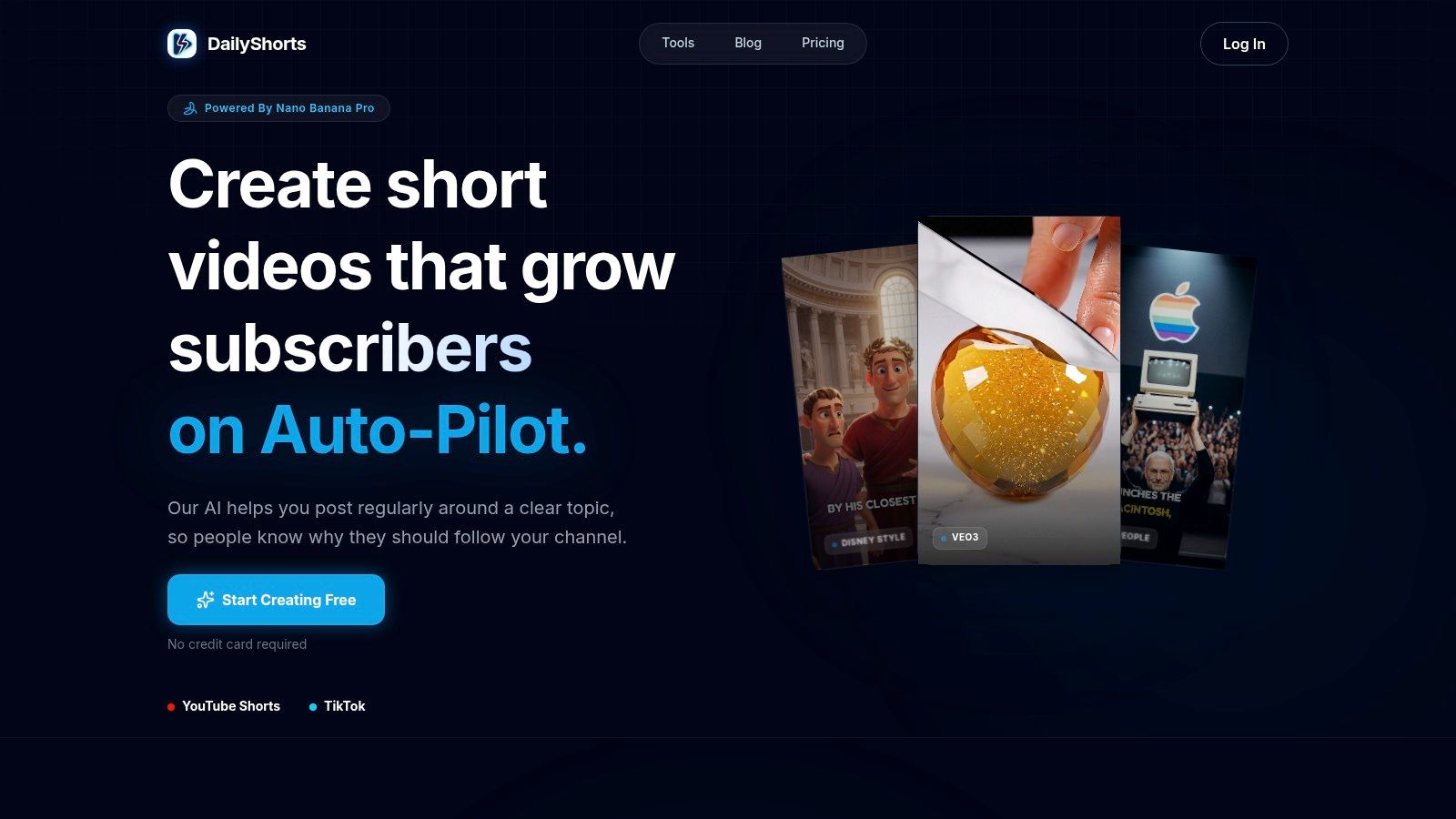
Unlike tools that only handle one part of the video creation process, DailyShorts manages the entire workflow. This approach dramatically cuts down production time, empowering solo creators and social media managers to maintain a consistent posting schedule without needing any technical editing skills.
Key Strengths and Features
The platform’s feature set is specifically engineered to maximize engagement on vertical video platforms. The AI generates stunning 4K visuals optimized for mobile viewing and employs an innovative image-to-video animator that adds cinematic motion to static scenes. This subtle but effective technique is designed to boost viewer retention and watch time, critical metrics for algorithm success.
Furthermore, DailyShorts offers significant creative flexibility with its style presets. You can instantly apply aesthetics like Disney/Pixar, 3D render, and sci-fi, allowing you to establish a unique and consistent brand identity across your content. The AI voiceovers are impressively lifelike, featuring natural pacing and emotional inflection that elevate the final product far beyond robotic text-to-speech generators.
Built-in Growth and Automation
One of the most powerful and unique features is the Auto Pilot mode. This built-in distribution tool automates the entire posting process by scheduling content 24/7 and optimizing tags for maximum reach. This transforms DailyShorts from a simple content creation tool into a channel growth engine, keeping your accounts active and engaging new audiences even when you are offline.
- Pros:
- True End-to-End Automation: Manages the entire process from idea to script, visuals, voice, and final edited short.
- High-Quality Output: Delivers 4K vertical visuals and professional-grade AI voiceovers with natural emotional delivery.
- Creative Flexibility: A wide range of style presets allows for distinct and branded content.
- Built-in Distribution: Auto Pilot mode schedules posts and optimizes tags to automate channel growth.
- Cons:
- Legal/Branding Caveats: Using presets stylized after famous franchises could pose copyright concerns; always check platform terms.
- Pricing Transparency: While a free tier is available, detailed limits and the costs for advanced features require a closer look at paid plans.
Website: https://dailyshorts.ai↗
2. CapCut
CapCut, from TikTok’s parent company ByteDance, is an absolute powerhouse for social media creators. It has evolved from a simple mobile editor into a comprehensive, cross-platform tool packed with impressive AI features. Its seamless integration with TikTok and its social-first design make it an essential ai video maker free for anyone creating vertical content for Shorts, Reels, or TikTok.
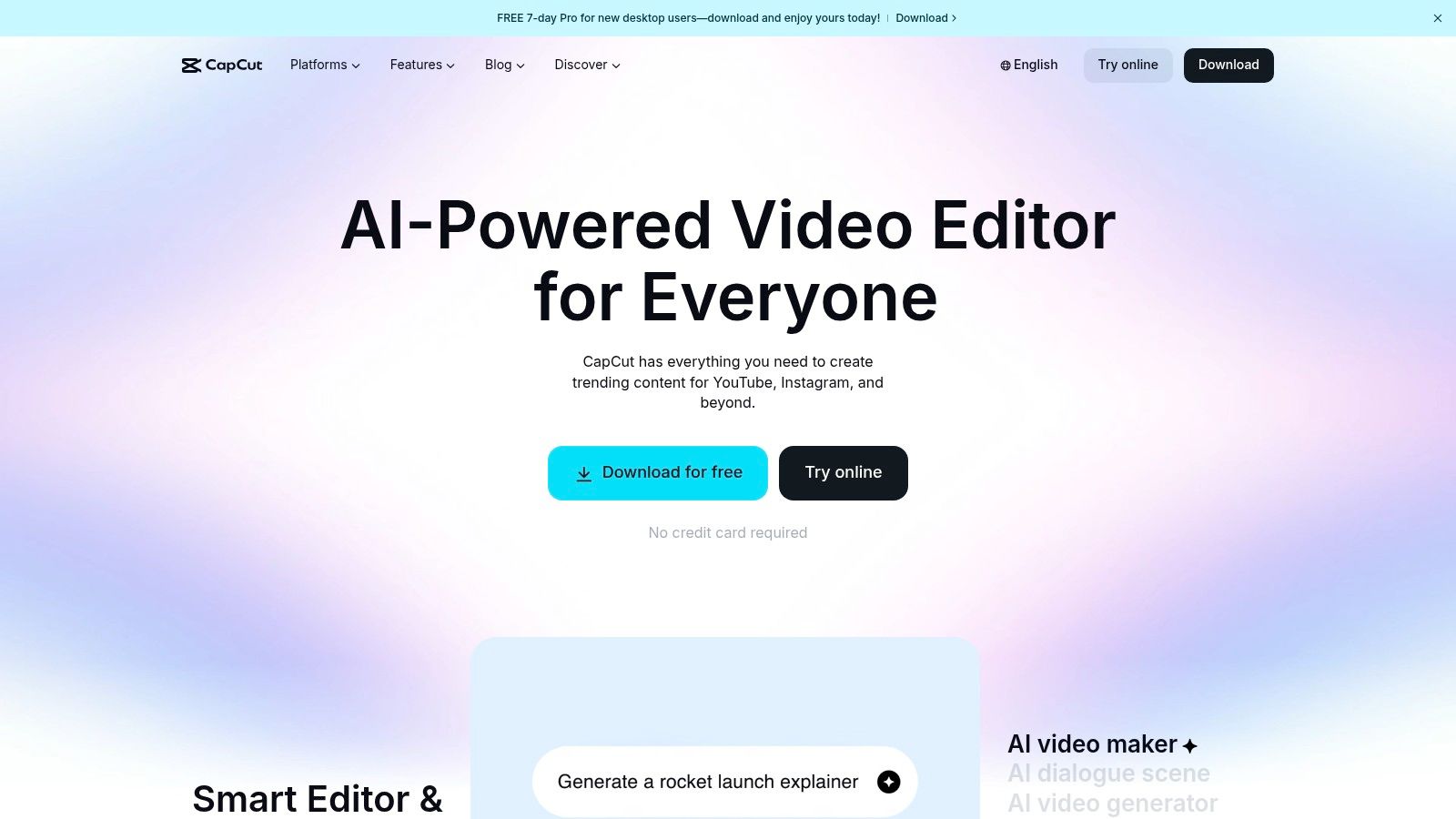
The platform’s strength lies in its massive library of trendy templates, effects, and filters, allowing you to jump on trends instantly. The AI script-to-video feature is a standout, generating a full video with stock footage, text overlays, and voiceovers from a simple prompt. Its auto-captioning is incredibly accurate and customizable, saving hours of manual work. CapCut’s accessibility on mobile and desktop provides a flexible workflow few competitors can match.
Key Features & User Experience
- AI Script-to-Video: Instantly generates a shareable video from a text prompt or script.
- Auto Captions: Best-in-class automatic transcription with extensive style options.
- Text-to-Speech: A wide selection of natural-sounding AI voices for narration.
- Massive Template Library: Tap into thousands of trending templates for quick, professional-looking videos.
Website: https://www.capcut.com↗
Best For: Social media creators who need a fast, template-driven workflow for TikTok and Reels.
| Pros | Cons |
|---|---|
| A robust, feature-rich free editor | Some advanced AI features are now behind a paywall |
| Unbeatable for creating vertical, social-first videos | AI-generated content may have a small watermark on the free plan |
| Seamless mobile and desktop experience | Can feel overwhelming for absolute beginners |
Expert Tip: Use CapCut's "Auto Reframe" tool to quickly resize a single video for multiple platforms. For more tips on creating engaging social content, check out this guide on how to make viral TikTok videos↗.
3. Canva
Canva is the undisputed champion of accessible design, and its video capabilities make it a go-to for marketers, entrepreneurs, and casual creators. While known primarily for graphics, it has evolved into a surprisingly capable ai video maker free for those who need polished, professional-looking videos without a steep learning curve. Its strength is its all-in-one ecosystem, allowing you to create a video, design its thumbnail, and schedule it to social media all from one place.
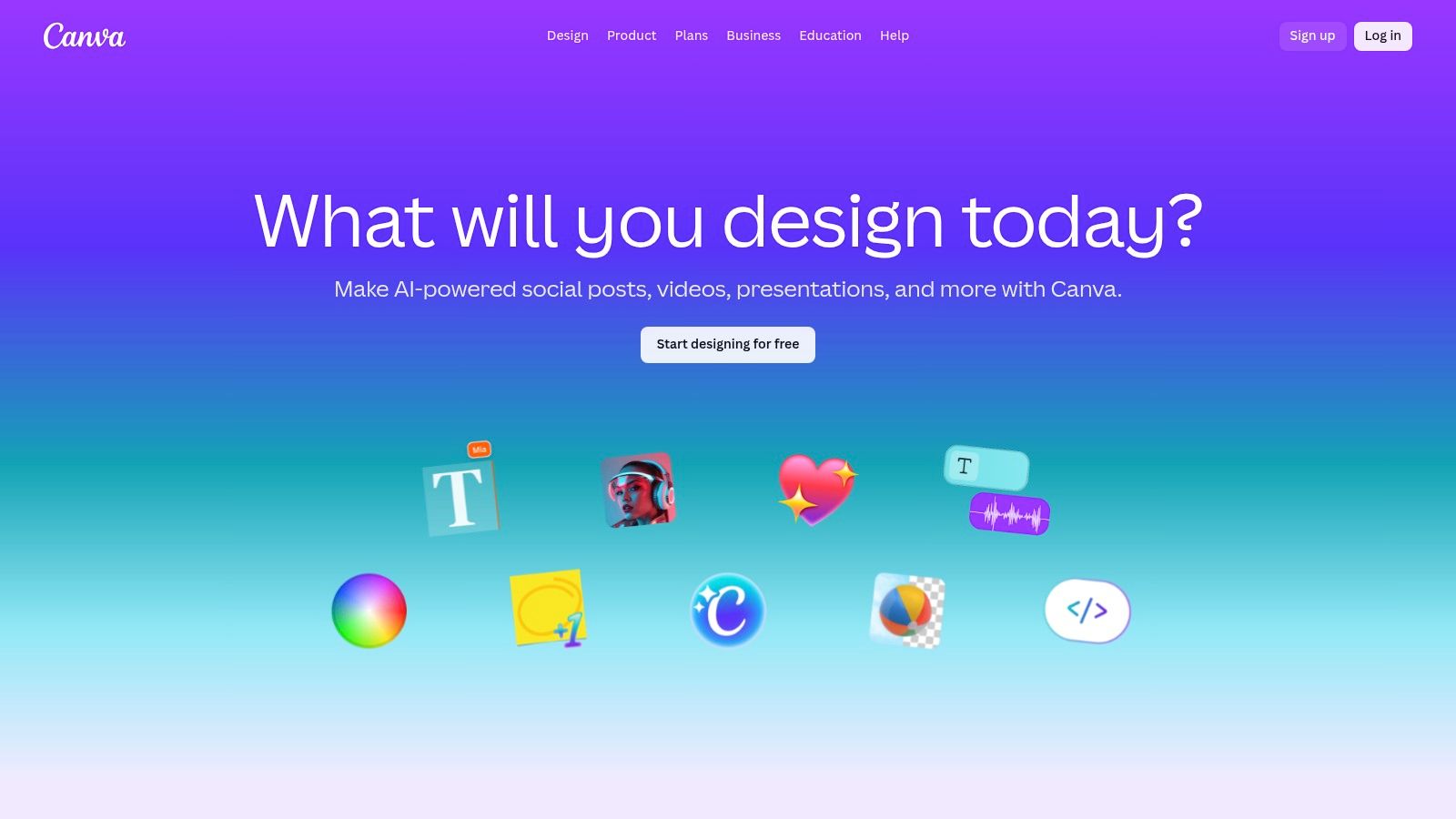
The platform shines with its massive library of templates, stock footage, and audio tracks, which are seamlessly integrated into its drag-and-drop editor. While its most powerful AI features, like Magic Switch for resizing and Magic Animate for motion, are part of the Pro plan, the free version still provides an incredibly robust toolset. It’s perfect for creating quick marketing promos, educational content, or branded social media posts without needing any prior video editing experience.
Key Features & User Experience
- Drag-and-Drop Editor: An incredibly intuitive interface that simplifies the video creation process.
- Vast Template Library: Access thousands of professionally designed video templates for any format.
- Magic Animate (Pro): Instantly applies smooth animations and transitions to your entire design.
- Integrated Stock Library: Millions of free and premium photos, videos, and audio tracks at your fingertips.
Website: https://www.canva.com↗
Best For: Marketers and small businesses needing a quick, template-based solution for branded video content.
| Pros | Cons |
|---|---|
| Exceptionally easy to use, even for total beginners | Advanced AI features are locked behind the Pro subscription |
| Generous free tier with a huge library of assets | Some premium templates and assets leave watermarks on the free plan |
| All-in-one platform for design, video, and scheduling | Less powerful for complex, multi-layered video editing |
Expert Tip: Use Canva's "Brand Kit" feature (even the limited free version) to save your brand colors and fonts. This ensures every video you create maintains a consistent, professional look with just one click.
4. Adobe Express
Adobe Express brings the power and polish of Adobe's creative ecosystem into an accessible, web-based tool for quick content creation. It serves as an excellent all-in-one editor, combining design, photo, and video tools with a suite of AI-powered features. For creators already familiar with the Adobe family, Express offers a streamlined workflow, making it a reliable ai video maker free for producing professional-grade social media content and marketing videos without the steep learning curve of Premiere Pro.
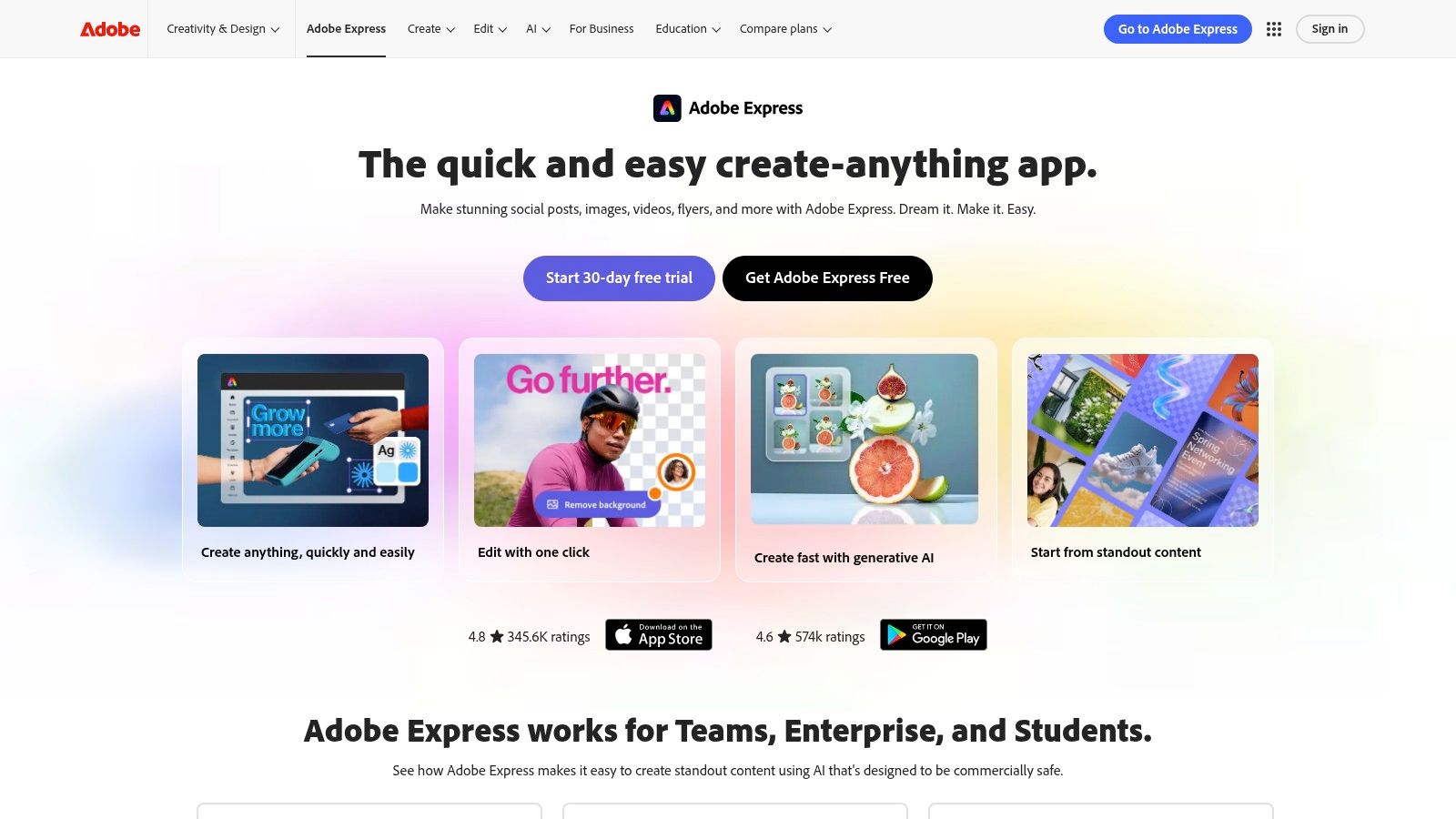
The platform shines with its deep integration of Adobe Stock assets, providing a vast library of high-quality photos, video clips, and music even on the free plan. Its AI capabilities, powered by Adobe Firefly, are woven into "Quick Actions" like generating captions or resizing videos for different platforms. While some of the most advanced generative AI features require a premium subscription, the free version offers more than enough to create polished, compelling video content.
Key Features & User Experience
- All-in-One Editor: Seamlessly combine video clips, photos, text, and design assets in one project.
- Animate from Audio: Automatically animate a character's mouth, head, and body movements from a voice recording.
- Adobe Stock Integration: Access a generous library of royalty-free photos, videos, and music.
- AI-Powered Quick Actions: Quickly remove video backgrounds, generate captions, and resize content for any social platform.
Website: https://www.adobe.com/express↗
Best For: Marketers and creators who need a versatile, all-in-one design and video tool with access to high-quality stock assets.
| Pros | Cons |
|---|---|
| Generous free plan with access to Adobe Stock and fonts | Advanced AI video features are gated behind the Premium plan |
| Intuitive drag-and-drop interface | The free plan includes a watermark on premium assets and templates |
| Excellent integration with other Adobe Creative Cloud apps | Generative AI credits are limited on the free tier |
Expert Tip: Use the "Schedule" feature within Adobe Express to plan and post your finished videos directly to your social media channels, creating a seamless content creation and distribution workflow from a single platform.
5. InVideo AI
InVideo AI has established itself as a go-to platform for generating polished, narrative-driven videos from a simple text prompt. It excels at transforming scripts or ideas into complete videos by intelligently sourcing stock footage, adding text overlays, and generating a voiceover. While many tools focus on short clips, InVideo's workflow is versatile enough to handle both social shorts and longer-form explainer videos, making it a valuable ai video maker free for testing out comprehensive script-to-video concepts.
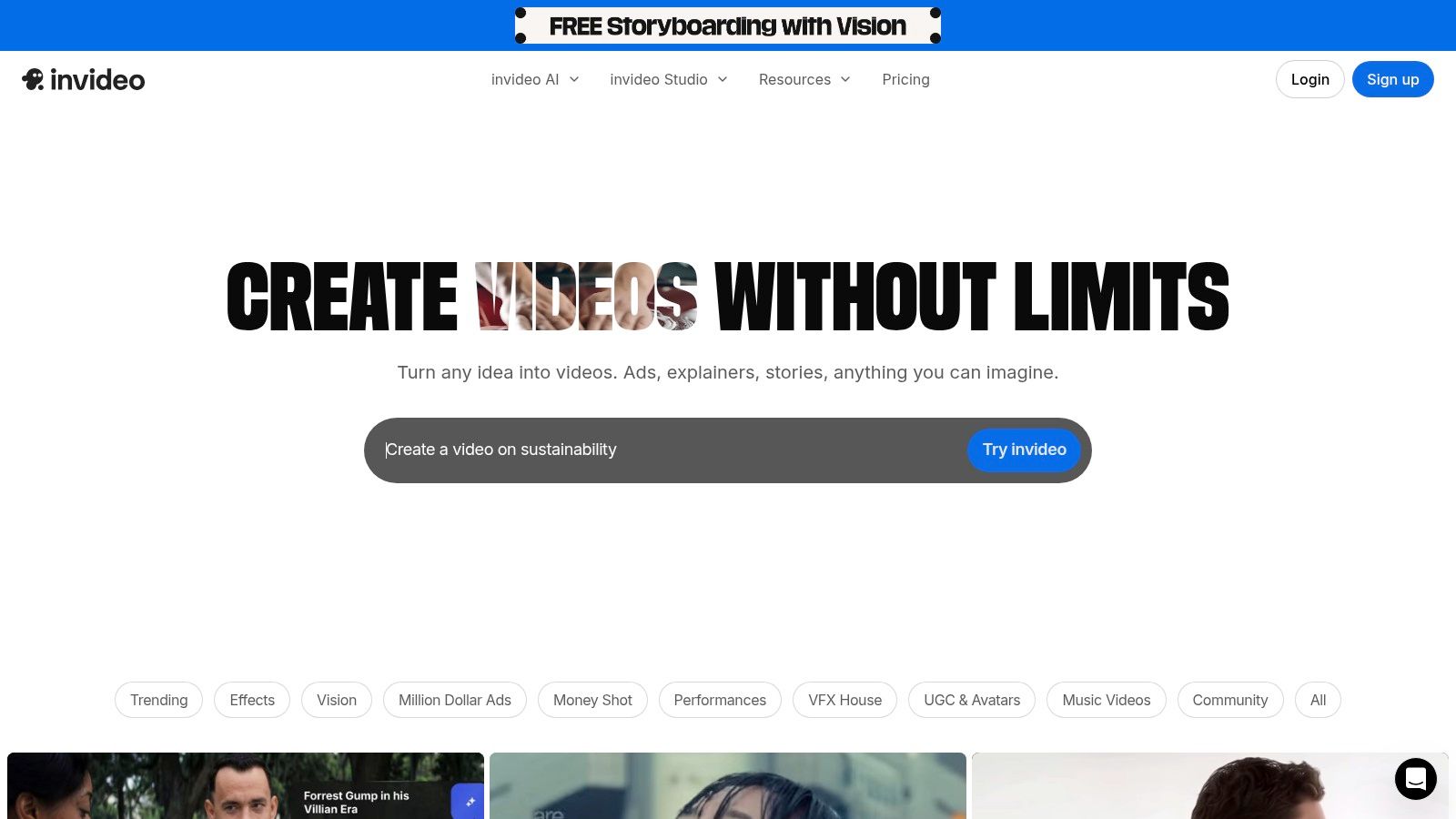
The platform's main appeal is its hands-off creation process. You provide the prompt, select a voice and tone, and the AI handles the assembly. The free plan is generous enough for experimentation, offering a weekly reset of credits and exports. This allows users to consistently test new ideas without a financial commitment, although the final videos on this tier will include a watermark, making it best suited for drafting and internal reviews.
Key Features & User Experience
- Prompt-to-Video Generation: Creates full videos from text prompts, complete with stock media, voiceover, and text.
- Stock Media Integration: Taps into a vast library of stock photos and videos to visually match your script.
- AI Voiceover: Offers a selection of AI voices to narrate your video automatically.
- Generous Free Tier: Provides weekly credits and exports, perfect for trying the platform's core features.
Website: https://invideo.io↗
Best For: Marketers and businesses looking to quickly create explainer or promotional videos from existing scripts.
| Pros | Cons |
|---|---|
| Free plan is available without a card and has weekly quota resets | Free exports carry a prominent watermark |
| Transparent credit and limits system makes it easy to track usage | AI generative features are quite limited on the free plan |
| Excellent for a "hands-off" script-to-video workflow | Stock media can sometimes feel generic |
Expert Tip: To get the best results, provide a detailed and well-structured prompt. The more context you give the AI, the more relevant the chosen stock media and generated scenes will be. For more on this, explore these best practices for turning a script into a video↗.
6. VEED
VEED.IO has carved out a niche as an incredibly accessible, browser-based video editing suite supercharged with AI. It’s designed for teams and individuals who need to produce professional-looking marketing and social media content quickly, without a steep learning curve. While many tools focus on one aspect of AI, VEED integrates a full suite of features, positioning itself as a powerful ai video maker free for those who need an all-in-one solution from recording to publishing.
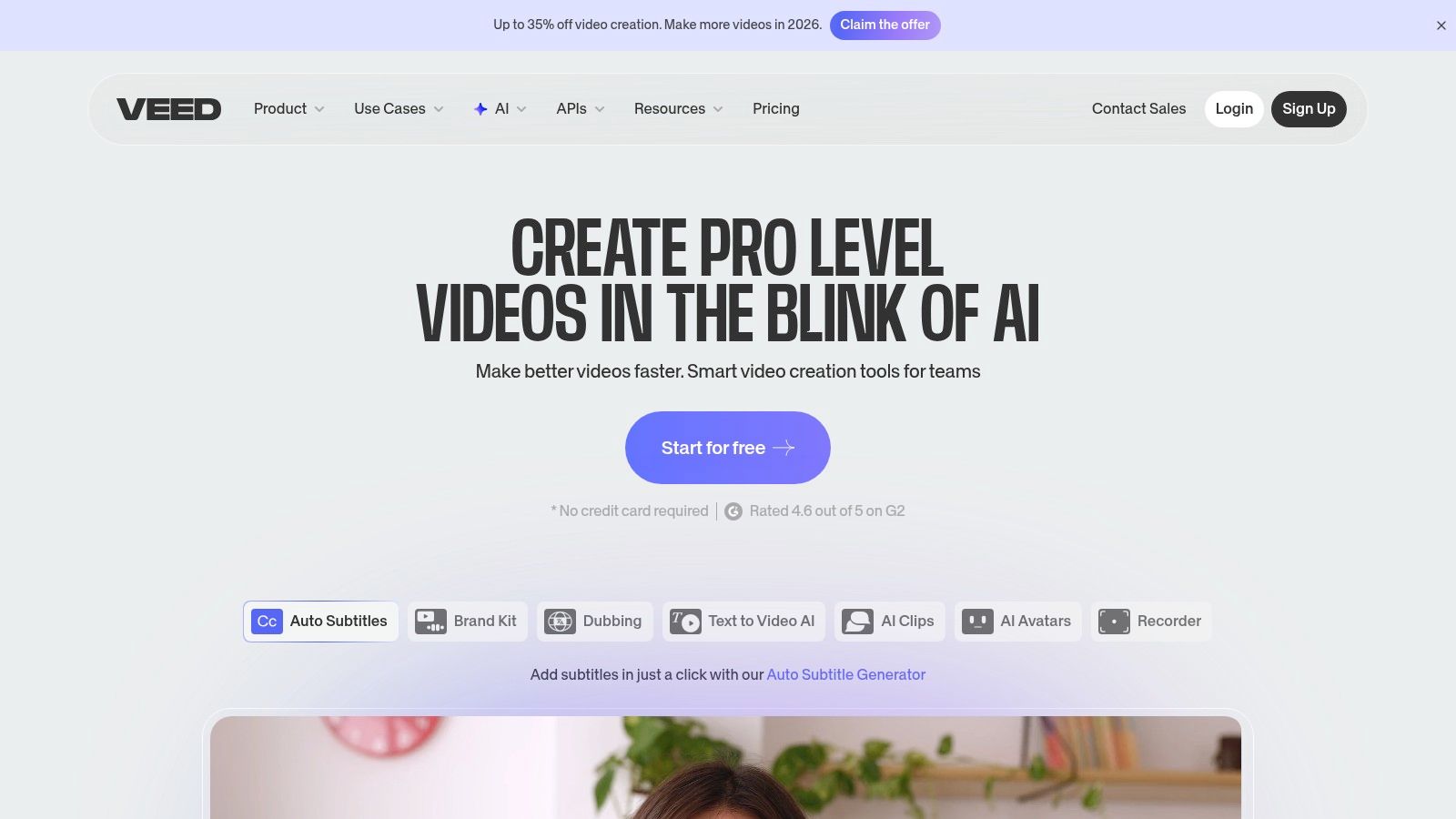
The platform shines with its text-to-video generator, complete with AI avatars and a wide array of voiceover options, making it ideal for creating explainer videos or social ads from a simple script. Its guided workflow simplifies the creation process, while built-in tools like a screen recorder and automatic subtitling eliminate the need for multiple applications. The user interface is clean and intuitive, ensuring even beginners can navigate its features and produce polished videos in minutes.
Key Features & User Experience
- AI Avatars & Voiceovers: Generate videos with realistic AI presenters and voiceovers directly from text.
- Automatic Subtitles: Quickly add and style accurate subtitles to make your content more accessible.
- All-in-One Toolkit: Combines video editing, screen recording, and AI generation in one browser tab.
- Brand Kit (Paid): Upload logos, fonts, and color palettes to maintain brand consistency across all videos.
Website: https://www.veed.io↗
Best For: Marketing teams and small businesses needing a fast, streamlined workflow for creating social and promotional videos.
| Pros | Cons |
|---|---|
| Minimal setup required; entirely browser-based | Watermark is present on free plan exports |
| Excellent for quick marketing and social video creation | The best AI features and models require a paid subscription |
| Intuitive, user-friendly interface | Export limits on the free tier can be restrictive for heavy users |
Expert Tip: Use VEED's screen recorder to capture product demos or tutorials, then instantly add AI-generated voiceovers and subtitles within the same project to create a complete guide without leaving your browser.
7. Runway
Runway is at the bleeding edge of creative AI, offering some of the most advanced and cinematic video generation tools available. Known for its state-of-the-art models like Gen-2, Runway is less a template-based editor and more a pure creation suite for generating entirely new video clips from text or images. This makes it an exceptional ai video maker free for creators who want to produce surreal, artistic, or hyper-realistic short clips that are impossible to capture with a camera.
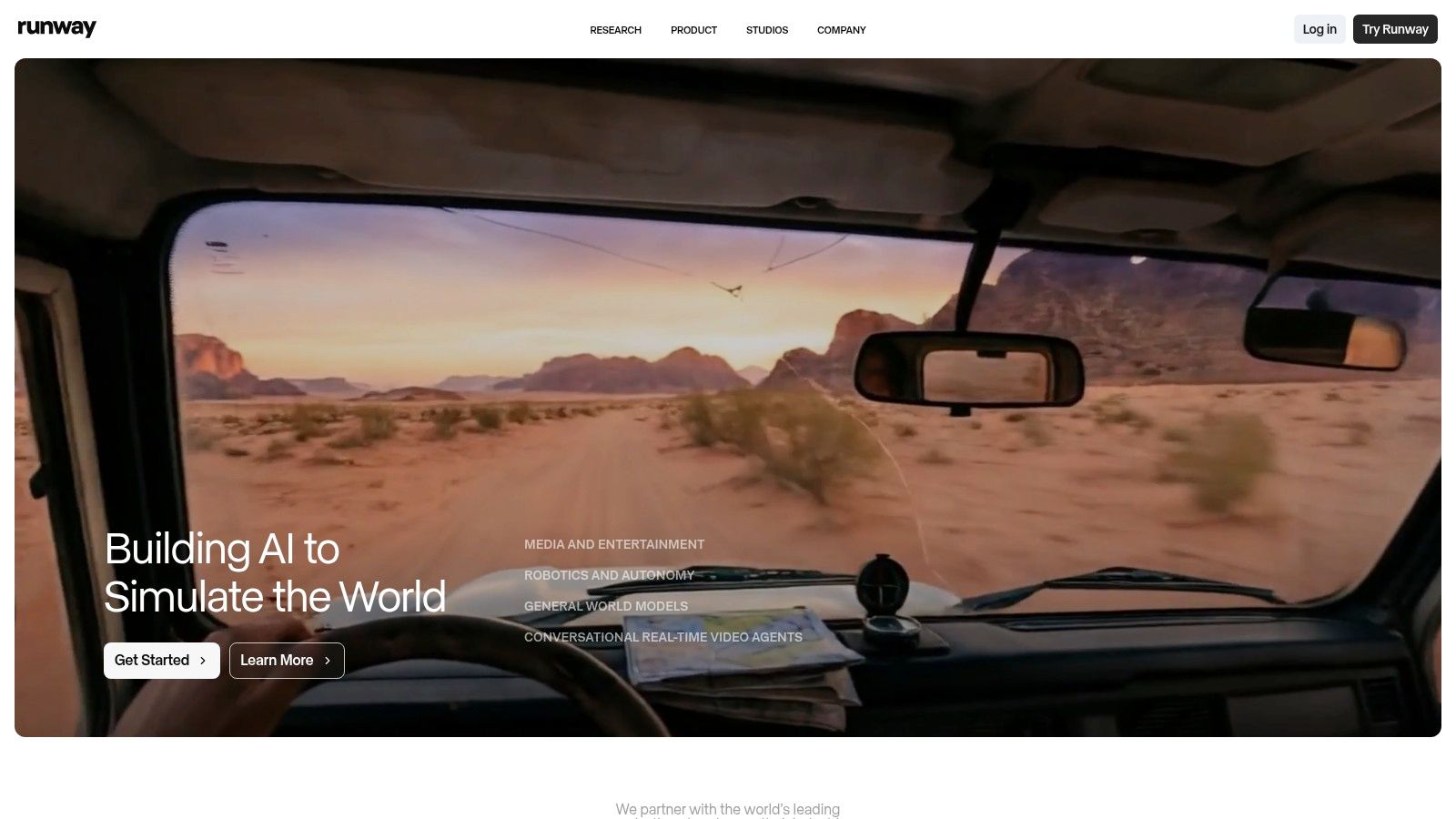
The platform operates on a credit-based system. While the free plan provides a one-time allotment of credits to experiment with, it's primarily designed to give you a taste of its powerful capabilities. Runway shines in its ability to translate a simple prompt into a fluid, high-quality video with stunning detail and coherent motion. It is the go-to tool for artists, filmmakers, and social media creators looking to push creative boundaries with short, visually arresting clips.
Key Features & User Experience
- Text/Image-to-Video: Utilizes multiple foundation models to generate high-fidelity video from simple prompts.
- Inpainting & Motion Brush: Magically add motion to specific parts of a still image or existing video.
- Infinite Image: Expands images beyond their original borders with context-aware AI generation.
- Built-in Editing Tools: A full suite of tools for editing, color grading, and adding effects to your AI-generated clips.
Website: https://runwayml.com↗
Best For: Creative professionals and experimental artists who need to generate unique, high-quality video footage from scratch.
| Pros | Cons |
|---|---|
| Industry-leading realism and motion for brief social clips | Free plan provides one-time credits only; ongoing use requires a paid plan |
| Transparent credit system helps you forecast costs | Learning curve to dial in desired motion and detail |
| A powerful suite of over 30 AI magic tools | Generation can be slow during peak usage times |
Expert Tip: Start with a high-quality source image for image-to-video generations to get the best results. For a deeper dive into the generation process, learn more about how to create AI video↗ from scratch.
8. Pika
Pika is a rapidly evolving AI video generator designed for creators who prioritize speed and creative control. It stands out with its transparent credit system and its offering of multiple generation models, allowing users to experiment with different styles and qualities. For anyone looking for a versatile ai video maker free that supports quick iteration from text or images, Pika provides a powerful and accessible entry point.
The platform's strength lies in its modular approach and clear pricing. The free plan is generous, offering monthly credits and, crucially, watermark-free downloads, which is a major advantage over many competitors. This enables users to test its text-to-video and image-to-video capabilities extensively without commitment. Its API access also opens the door for developers to integrate Pika’s technology into their own applications, making it a flexible tool for both creators and builders.
Key Features & User Experience
- Text-to-Video & Image-to-Video: Generate short video clips from simple text prompts or by animating still images.
- Multiple Generation Models: Choose between different AI models (like 1.0, 1.5, 2.x) to find the best output style for your project.
- API Access: Offers pay-as-you-go integration for developers and businesses to build custom video workflows.
- Granular Controls: Modify aspect ratio, frames per second, and motion intensity for more precise creative direction.
Website: https://pika.art↗
Best For: Experimenters and developers who want a fast, API-friendly tool with transparent credit usage.
| Pros | Cons |
|---|---|
| Generous free plan with monthly credits and no watermarks | Credit accounting for different features can be complex for new users |
| Competitive paid pricing and granular cost-per-feature | Outputs can default to 720p unless higher credits are used |
| API access allows for custom integrations and workflows | Lacks the extensive template library of social-focused editors |
Expert Tip: Start with a high-quality source image for the image-to-video feature to get the most detailed and coherent animation. For a deeper dive into this technique, see this guide on creating video from an image sequence to video↗.
9. Lumen5
Lumen5 excels at transforming long-form text content into engaging videos, making it a top choice for marketers and content creators looking to repurpose blog posts or articles. Its AI-driven engine analyzes your text, pulls out key sentences, and automatically matches them with relevant stock footage and music to create a video storyboard. This makes it an incredibly efficient ai video maker free for content repurposing and creating informational social media clips.
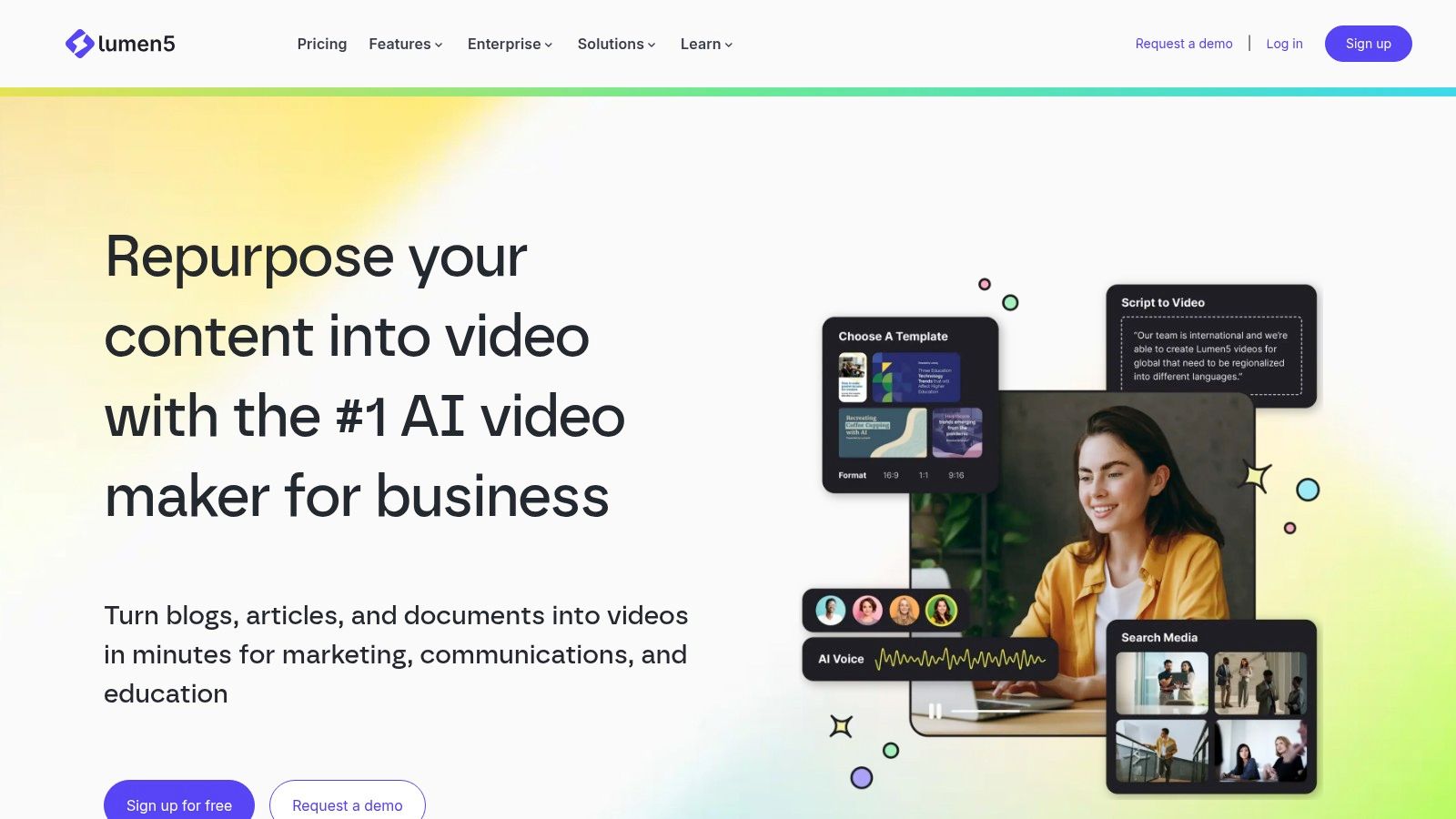
The platform is designed for speed and simplicity. You can start with a URL, a PDF, or just pasted text, and Lumen5’s AI will summarize it and build the video scenes for you. While the free plan is primarily for testing the workflow and includes Lumen5 branding, it provides a fantastic look into how quickly you can generate professional-looking marketing videos without any editing experience. The focus is squarely on clear, text-based visual communication rather than complex special effects.
Key Features & User Experience
- AI Article-to-Video: Instantly converts blog posts and articles into video summaries by inputting a URL.
- AI Script Composer: Summarizes text and helps structure your video narrative automatically.
- Automated Scene Assembly: Intelligently pairs your script with relevant stock media from a vast library.
- Branding Customization: Paid plans allow for custom brand kits with logos, fonts, and colors.
Website: https://www.lumen5.com↗
Best For: Marketers and bloggers who want to quickly repurpose written content into videos for social media.
| Pros | Cons |
|---|---|
| Exceptionally fast blog-post-to-video workflow | Free exports include noticeable Lumen5 branding |
| User-friendly interface perfect for non-editors | More geared towards marketing content than creative or viral videos |
| Huge library of stock photos and videos | Limited creative control compared to full-fledged editors |
Expert Tip: Use Lumen5 to create multiple short video snippets from a single long article to fuel your content calendar. This is a great strategy if you're exploring content ideas; for more on this topic, read this guide on how to start a faceless YouTube channel↗.
10. Descript
Descript revolutionizes video editing by treating it like a word document, making it an incredibly fast and intuitive ai video maker free for content creators focused on dialogue. Its unique text-based editing approach allows you to edit your video by simply editing the auto-generated transcript. This is a game-changer for producing talking-head videos, podcasts with video, and social media clips where clean audio and precise captions are paramount.
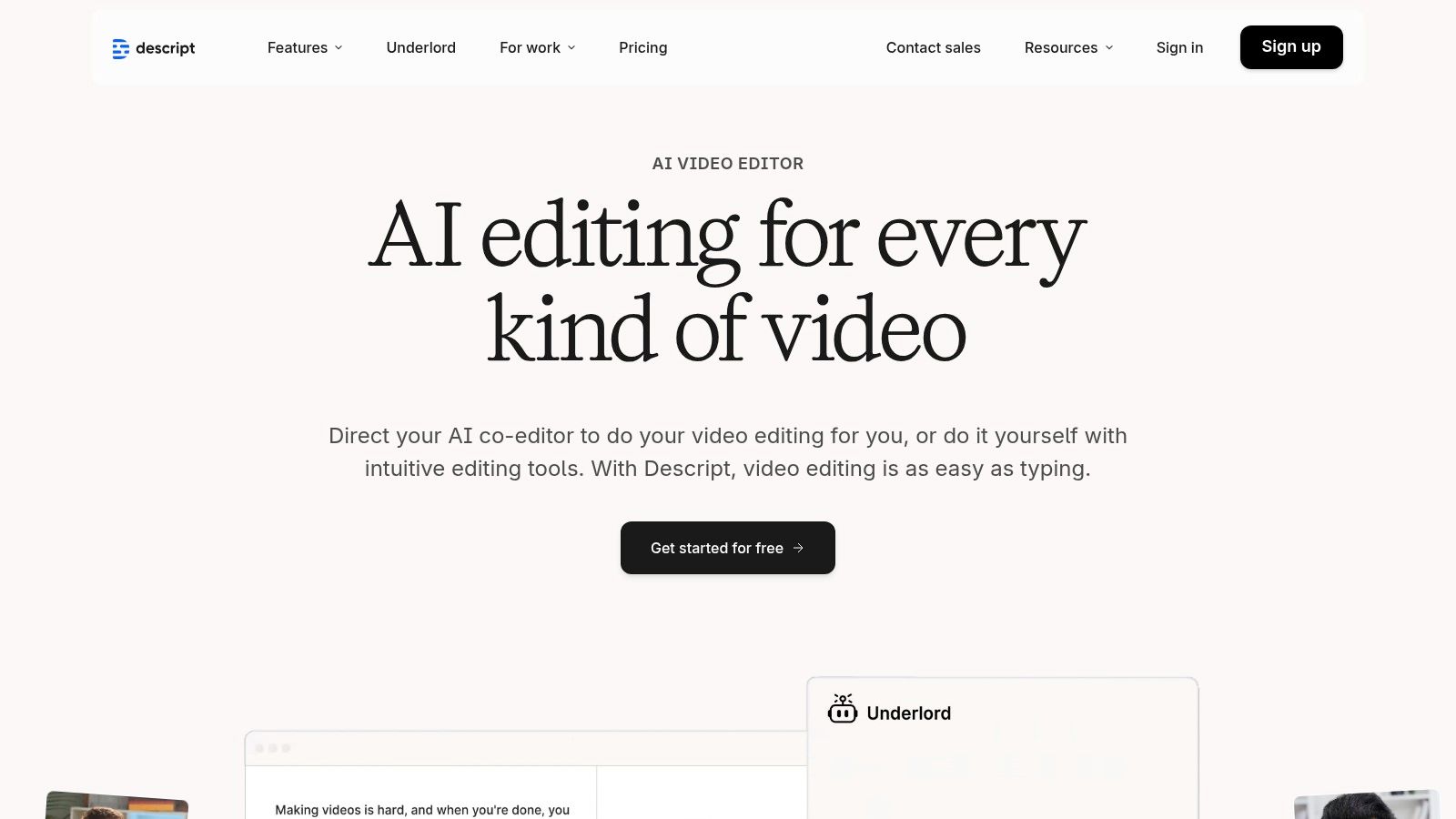
The platform’s standout features are designed to save creators immense amounts of time. The AI can automatically remove filler words like "um" and "uh" from your recording with a single click. Its "Studio Sound" feature magically enhances voice recordings to sound like they were captured in a professional studio. While Descript is an exceptional video editor, its advanced AI also offers robust video transcription and subtitling capabilities↗, crucial for reach and accessibility.
Key Features & User Experience
- Text-Based Editing: Edit your video by cutting, pasting, and deleting text in the transcript.
- Studio Sound & Overdub: AI-powered audio enhancement and realistic voice cloning.
- Filler Word Removal: Automatically detect and delete filler words from your recordings.
- Automatic Transcription: Fast and highly accurate transcription serves as the basis for editing.
Website: https://www.descript.com↗
Best For: Podcasters, educators, and creators of dialogue-heavy content who want an ultra-fast editing workflow.
| Pros | Cons |
|---|---|
| Extremely fast captioning and editing workflow for social cuts | Generative clip limits tied to media hours and AI credits |
| Free plan to test core workflows with clear upgrade steps | Heavier generative features are available only on paid tiers |
| Revolutionary text-based editing is intuitive for beginners | 720p export limit on the free plan |
Expert Tip: Use the "Find filler words" feature to instantly highlight all instances of "uh" or "um" in your transcript. You can then delete them all at once to dramatically clean up your audio and video in seconds.
11. FlexClip
FlexClip is a practical and accessible online video editor that shines with its comprehensive suite of AI tools. It positions itself as an all-in-one solution, balancing a traditional template-driven editor with powerful generative AI features. This makes it an excellent ai video maker free for users who want to experiment with AI generation while still maintaining fine-tuned control over the final video project, from social media ads to presentations.
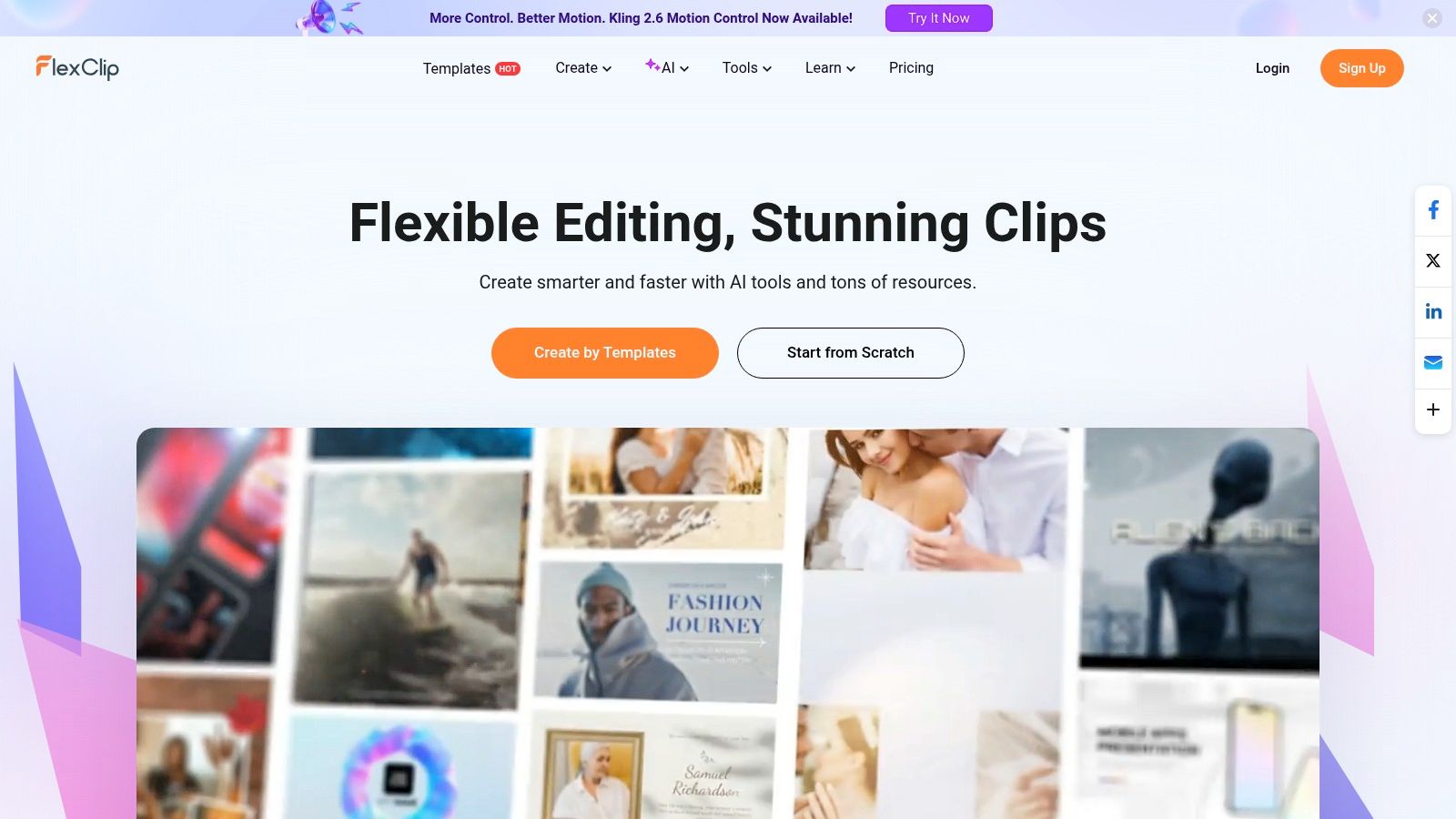
What makes FlexClip stand out is the sheer breadth of its AI capabilities available on the free plan. Users can generate videos from text prompts, create visuals from still images, and even produce unique sound effects with AI. The platform is transparent about its model updates, giving users confidence in its evolving technology. While the free tier includes watermarks and export limitations, it offers more than enough functionality for users to fully test its creative potential before committing to a paid plan.
Key Features & User Experience
- AI Text-to-Video: Generates complete video sequences from simple text prompts using various AI models.
- AI Image-to-Video: Animates static images, adding dynamic motion to bring visuals to life.
- AI SFX Generator: Creates custom sound effects from text descriptions, perfect for unique audio needs.
- Template-Driven Editor: A massive library of customizable templates for quick and professional video creation.
Website: https://www.flexclip.com↗
Best For: Marketers and small businesses needing a versatile tool that combines AI generation with a robust template-based editor.
| Pros | Cons |
|---|---|
| Free plan allows testing of most AI features and tools | Free exports include a watermark and are limited in resolution |
| Frequent AI model updates with a clear changelog | Project and stock media usage is capped on the free tier |
| Combines a powerful editor with multiple AI generation tools | The highest quality outputs require a subscription |
Expert Tip: Use the AI SFX generator to create unique sound effects for UI interactions or specific actions in your video that are hard to find in standard stock audio libraries. This adds a layer of custom polish that makes your content stand out.
12. Kapwing
Kapwing positions itself as a collaborative, browser-based video editor supercharged with smart AI tools. It excels at simplifying complex editing tasks, making it an excellent ai video maker free for teams and individuals who need a streamlined, all-in-one platform. Its AI assistant, "Kai," can generate video clips from text or images and even assemble entire projects from a simple prompt, drastically cutting down creation time.
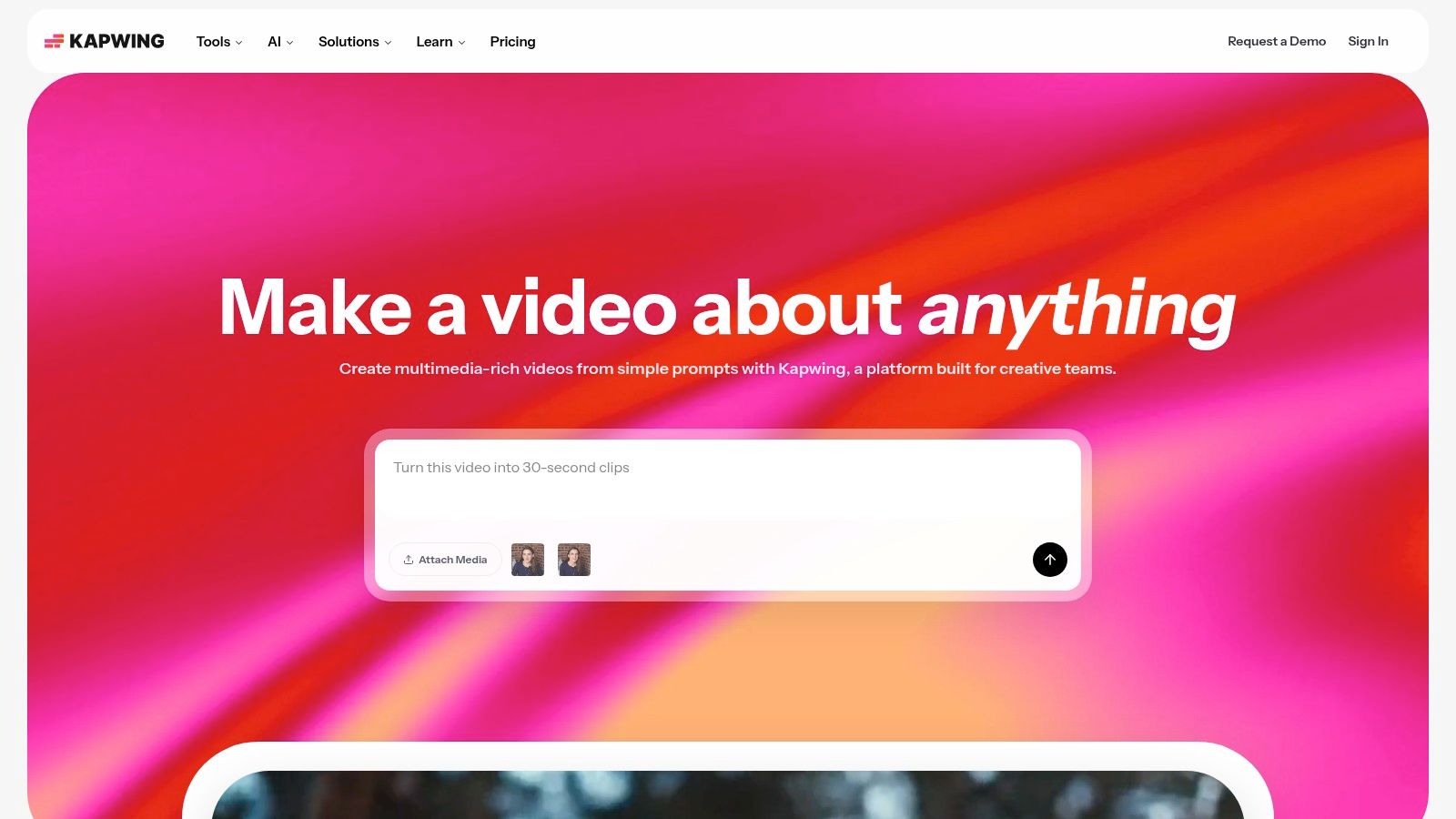
The platform's strength is its low-friction, in-browser experience, which requires no downloads. It offers powerful utilities like automatic subtitling, translation, and AI-powered dubbing, which are invaluable for reaching a global audience. The free tier is generous enough to test out all the core features, although it comes with limitations like watermarks and shorter export lengths, making it ideal for trial runs and smaller personal projects.
Key Features & User Experience
- AI Assistant 'Kai': Generate video clips or full projects from text prompts, making ideation incredibly fast.
- Auto Subtitles & Translation: Create accurate captions in seconds and translate them into multiple languages.
- Batch Clip Creation: Efficiently produce multiple video variations for A/B testing or different platforms.
- Fully Browser-Based: No software installation needed, allowing for easy access and collaboration from anywhere.
Website: https://www.kapwing.com↗
Best For: Marketing teams and content creators who need a collaborative, browser-based editor with powerful AI subtitling and translation tools.
| Pros | Cons |
|---|---|
| Very low friction; runs entirely in the browser | Free tier includes a watermark and 1-minute export limits |
| Clear free vs Pro limits and credit system | Monthly free credits for AI features are limited |
| Excellent for subtitles, translation, and accessibility | The interface can feel less intuitive than some dedicated editors |
Expert Tip: Use Kapwing’s "Generate Video" with a detailed prompt to create a solid first draft. Then, use the timeline editor to replace stock clips with your own footage and fine-tune the auto-generated subtitles for a polished, professional video.
Top 12 Free AI Video Makers — Comparison
| Product | Core Features | Quality & Workflow (★) | Unique Selling Point (✨/🏆) | Target (👥) & Price (💰) |
|---|---|---|---|---|
| 🏆 DailyShorts | End-to-end: idea→script→4K vertical visuals→AI voice→smart edit + Auto Pilot scheduling | ★★★★★ Fast publish-ready; cinematic vertical retention | ✨ 4K vertical + style presets (Disney/Pixar, 3D), image-to-video animator; 🏆 built-in Auto Pilot distribution | 👥 Solo creators, brands, agencies — 💰 Free start (no card); paid tiers for scale |
| CapCut | Script-to-video, auto captions, TTS, large template library (mobile/desktop) | ★★★★ Robust free editor; social-first workflow | ✨ Massive template catalog; TikTok-native effects | 👥 Mobile creators & casual editors — 💰 Mostly free; some paid features/watermarks |
| Canva | Drag-and-drop video, Magic Animate, stock + templates | ★★★★ Easy for non-editors; smooth UX | ✨ Vast templates + clear licensing | 👥 Individuals, marketers, teams — 💰 Generous free tier; premium assets paid |
| Adobe Express | Templates, quick actions, Firefly credits, Adobe Stock integration | ★★★★ Professional assets; integrated workflows | ✨ Adobe ecosystem + stock access | 👥 Pros & agencies — 💰 Free usable; AI credits/features on paid plans |
| InVideo AI | Script-to-video, voiceover, stock integrations, credit quotas | ★★★ Testing-friendly; free exports watermarked | ✨ Transparent credit table & weekly quota resets | 👥 Marketers testing automations — 💰 Free with watermarks; paid for full exports |
| VEED | Text-to-video, avatars, auto subtitles, brand kit, publishing tools | ★★★ Fast guided flows for social/marketing | ✨ Simple all-in-one editor for quick marketing clips | 👥 Creators & marketers — 💰 Free limited; Pro for watermark removal & advanced AI |
| Runway | Gen-3/4/4.5 text/image-to-video, editing, credit-based pricing | ★★★★–★★★★★ Industry-leading realism; steeper learning curve | ✨ State-of-the-art models + transparent per-second credits | 👥 Creators needing high realism & VFX — 💰 One-time free credits; pay-as-you-go credits |
| Pika | Text/image-to-video, multiple models, API access, monthly credits | ★★★★ Fast iterations; monthly credit model | ✨ Monthly free credits & watermark-free downloads; API for integration | 👥 Devs & rapid testers — 💰 Free monthly credits; competitive pay-as-you-go |
| Lumen5 | Article/blog→video AI composer, voiceover, multi-clip repurposing | ★★★ Quick article-to-short-video workflow | ✨ Fast URL→storyboard repurposing for social | 👥 Marketers & content teams — 💰 Free Forever (branding); paid for 1080p & brand kit |
| Descript | Text-based editing, transcription, Overdub voice cloning, Studio Sound | ★★★★ Excellent for talking-heads & captions | ✨ Text-first edit + powerful voice tools (Overdub) | 👥 Podcasters, educators, creators — 💰 Free limited mins/720p; paid for more credits |
| FlexClip | AI text/image-to-video, SFX, motion tracking, short-form presets | ★★★ Practical template-driven editor | ✨ AI SFX & frequent model updates | 👥 Small businesses & creators — 💰 Free with caps/watermarks; paid for high-res exports |
| Kapwing | Prompt-to-clip generator (Kai), subtitles, translation, batch clips | ★★★ Browser-first, low friction | ✨ 'Kai' assistant + strong subtitle/translation tools | 👥 Social creators & teams — 💰 Free with watermark/limits; Pro unlocks full features |
Our Pick: The Best Free AI Video Maker for Scalable Content
Navigating the landscape of free AI video tools reveals a powerful truth: the future of content creation is automated, accessible, and incredibly fast. We've explored a dozen powerful platforms, from the manual editing prowess of CapCut and Canva to the cinematic magic of Runway and Pika. Each tool offers a unique strength, whether it's Adobe Express's seamless integration, VEED’s all-in-one toolkit, or Lumen5's text-to-video efficiency. Yet, for creators laser-focused on scaling short-form video content on platforms like TikTok, YouTube Shorts, and Instagram Reels, one tool consistently rises above the rest.
After an exhaustive analysis of free-tier limitations, workflow efficiency, and output quality, DailyShorts emerges as our top recommendation for the best ai video maker free for scalable social media growth. While other tools provide excellent AI assistance, DailyShorts delivers a true AI-native, end-to-end automated workflow. This distinction is critical for creators who measure success in volume and consistency.
Why DailyShorts Excels for Scalability
The fundamental challenge for short-form creators isn’t just making one great video; it’s making dozens of them without burning out. This is where the value proposition of DailyShorts becomes undeniable.
- Effortless Automation vs. Assisted Editing: Tools like CapCut and Adobe Express are fantastic, but they still require significant hands-on editing. You are the director, piecing together clips, timing text, and syncing audio. DailyShorts flips this model. You provide the idea, and its AI acts as the producer, director, and editor, handing you a finished product. This workflow shift saves hours per week.
- Unmatched Free Tier Value: Many platforms offer a "free" trial that is heavily restricted by watermarks, low-resolution exports, or a tiny credit allowance that evaporates after one or two projects. DailyShorts provides a genuinely sustainable free path, offering generous credits, 4K visuals, and premium voiceovers without an upfront cost. This allows you to build a real content library before ever needing to upgrade.
- Built for Social Media Algorithms: Success on TikTok or YouTube isn't just about visuals; it's about consistency. The integrated Auto Pilot feature is a game-changer, automating the posting schedule and optimizing captions and tags. This unique feature directly addresses the core need of its target audience: maintaining momentum and feeding the algorithm.
Making the Right Choice for Your Needs
While DailyShorts is our top pick for scalable shorts, your perfect ai video maker free tool depends on your specific goals.
- For Creative Control & Vlogging: If you enjoy the editing process and need granular control over your raw footage, CapCut or VEED are exceptional choices.
- For Branded Marketing & Static Graphics: If your primary need is turning marketing copy and brand assets into simple videos, Canva or InVideo AI offer robust template-driven solutions.
- For Experimental & Cinematic Art: If you want to push the boundaries of AI-generated motion and create surreal, artistic clips, the limited free credits on Runway and Pika are worth exploring.
Ultimately, the best tool is the one that removes friction from your creative process. For the modern creator aiming to build an audience and a brand through consistent, high-quality short-form video, that tool is DailyShorts. It offers the most direct and efficient path from a simple idea to a viral-ready video, empowering you to focus on strategy and creativity while AI handles the heavy lifting. The age of the solo video production army is here, and it’s more accessible than ever.
Ready to stop editing and start publishing? Experience the power of a fully automated workflow with DailyShorts. Sign up for free and generate your first batch of high-quality, viral-ready shorts in minutes, proving that the best ai video maker free is the one that works for you. Start creating at DailyShorts↗ today.
Ready to create viral videos?
Start creating viral TikTok and YouTube Shorts with DailyShorts AI today.