How to Make Highlights Video: how to make highlights video for viral clips
DailyShorts AI
Creating a highlights video is all about distilling your best content into a short, punchy narrative. You’ll be selecting your most powerful moments, trimming them down, and weaving them together with killer music and captions. The real magic lies in grabbing attention immediately and telling a story that hits home in 60 seconds or less.
The Foundation of a Viral Highlights Video
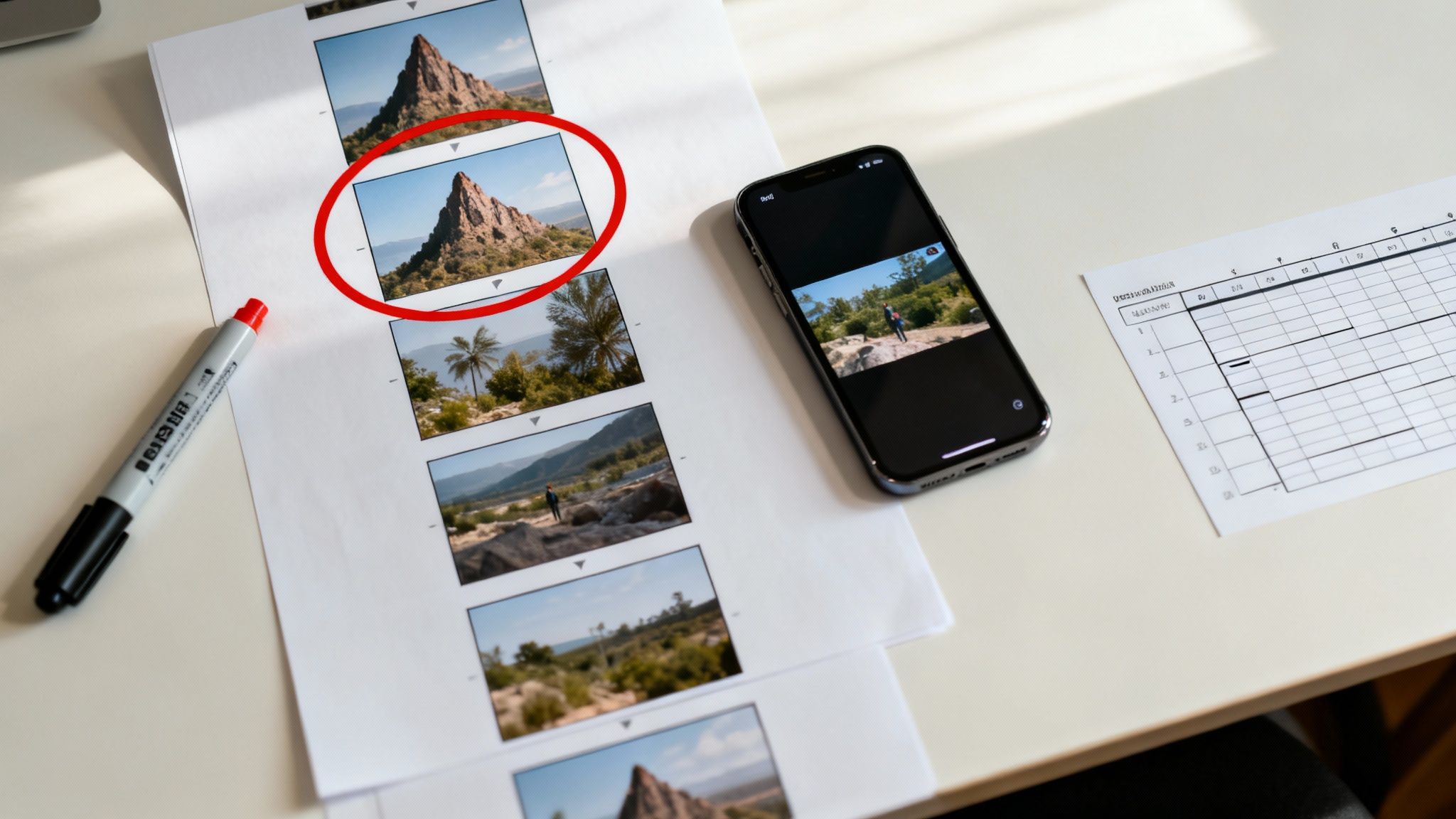
Before you even think about opening your editing software, the real work begins. A truly great highlights video isn't just a random assortment of cool shots; it's a story built around a single, powerful emotional core. Your first task is to figure out what you want your audience to feel. Is it excitement? Nostalgia? Humor? Inspiration?
Once you've nailed down that core emotion, you can start digging through your raw footage. Don’t just hunt for action. Look for the moments that echo your theme—a triumphant smile after a win, a look of genuine surprise, or a breathtaking landscape can be far more compelling than another generic action shot.
Key Takeaway: Your goal isn't just to show what happened, but to make the viewer feel what happened. That emotional foundation is the secret sauce that turns a forgettable clip into a viral hit.
This isn't just a hunch; the numbers back it up. Short-form videos under 60 seconds are king, boasting an average engagement rate of 50%, which blows longer formats out of the water. With TikTok users spending an average of 58.4 minutes on the platform every day in 2024, the appetite for concise, high-impact content is absolutely massive.
Blueprinting Your Narrative
With your emotional hook locked in and your key moments chosen, it’s time to sketch out your video’s structure. Think of it as a tiny story with a clear beginning, middle, and end.
- The Opener (First 3 Seconds): This is your scroll-stopper. Lead with your most visually stunning or emotionally charged clip. You have one shot to make them pause.
- The Build-Up: Start arranging your clips to build momentum. Let the story unfold and create a sense of anticipation leading toward the main event.
- The Climax: Here’s the payoff. This is the biggest play, the punchline, or the most awe-inspiring visual that your entire video has been building toward.
- The Outro: End on a high note. Use a strong final shot that reinforces your theme and gives a sense of completion, often with a clear call-to-action or your brand logo.
This planning phase is what separates a polished, professional video from a sloppy one. To get a better handle on the ingredients for success, you can learn more about https://dailyshorts.ai/blog/how-to-make-a-viral-video↗ in our detailed guide.
For an even deeper dive into the whole process, check out this comprehensive guide on how to make highlights video↗ with tons of practical tips.
Choosing Clips and Mastering Your Edit's Pace
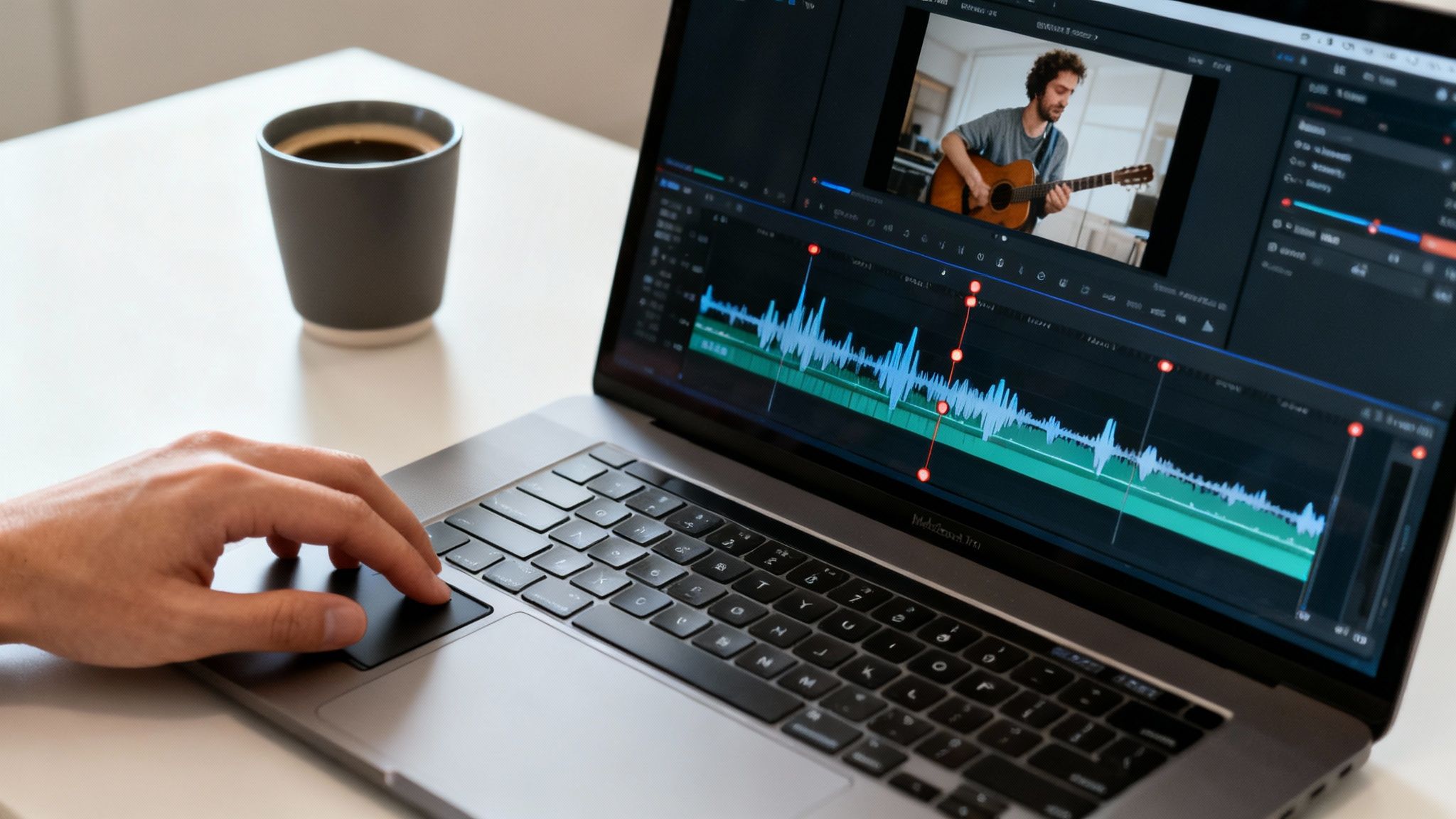
This is where the real magic happens. Your raw footage is just a pile of moments; the edit is where you become a storyteller. You’re taking those clips and weaving them into a high-energy, unforgettable narrative. The first rule of thumb here? Be ruthless. For a 60-second video, you don't just need a few good clips—you need five perfect ones.
Scour your footage for the absolute peaks of emotion and action. A killer clip for a highlights reel almost always has a single, undeniable moment—the game-winning shot, a genuine burst of laughter, the big reveal. Anything that doesn't scream excitement or directly push your story forward needs to be left on the digital cutting room floor.
Finding Your Rhythm
Once you’ve cherry-picked your best shots, it's all about finding the rhythm. Pacing is absolutely everything in a highlights video. The goal is to create a relentless forward momentum that makes it physically impossible for someone to scroll away. This brings us to the concept of "rhythmic editing."
At its core, rhythmic editing is about syncing your cuts to the beat of the music. If your soundtrack has a driving drumline, time your edits to land precisely on each kick or snare hit. It creates this immersive, almost hypnotic effect that just pulls the viewer deeper into the action.
Pro Tip: Don't just cut on the beat every single time. Try experimenting with cuts on the off-beat, or even better, sync on-screen motion to a more subtle musical cue. This is a more advanced technique, but it adds a layer of professional polish that really makes your work stand out.
Think about the pace of your video like a miniature story arc. You could start with a flurry of quick, energetic cuts to build immediate excitement, slow things down for just a second in the middle to let a key moment truly land, and then ramp it all the way back up for a powerful finale. This kind of variation keeps the viewer engaged and makes the climax hit so much harder.
The Art of the Surgical Trim
Now, it’s time to get granular and focus on trimming. Every single frame counts. Seriously. Go through each of your chosen clips with a fine-tooth comb and trim out all the fat.
Here's my personal checklist for every clip:
- Cut the lead-in: The clip should start the very split-second the action begins. No waiting around.
- Trim the recovery: End the clip the instant the peak moment is over. Don't linger.
- Remove every pause: Any hesitation or dead air has to go. The goal is constant energy.
By trimming away every unnecessary frame, you crank up the pace and ensure your video is nothing but pure, concentrated impact. If you're pulling from longer content, it’s worth learning the best ways for how to get clips from YouTube videos↗ to source your moments efficiently. This surgical approach is what separates an amateur highlights reel from a truly great one.
Using Sound Design to Amplify Every Moment
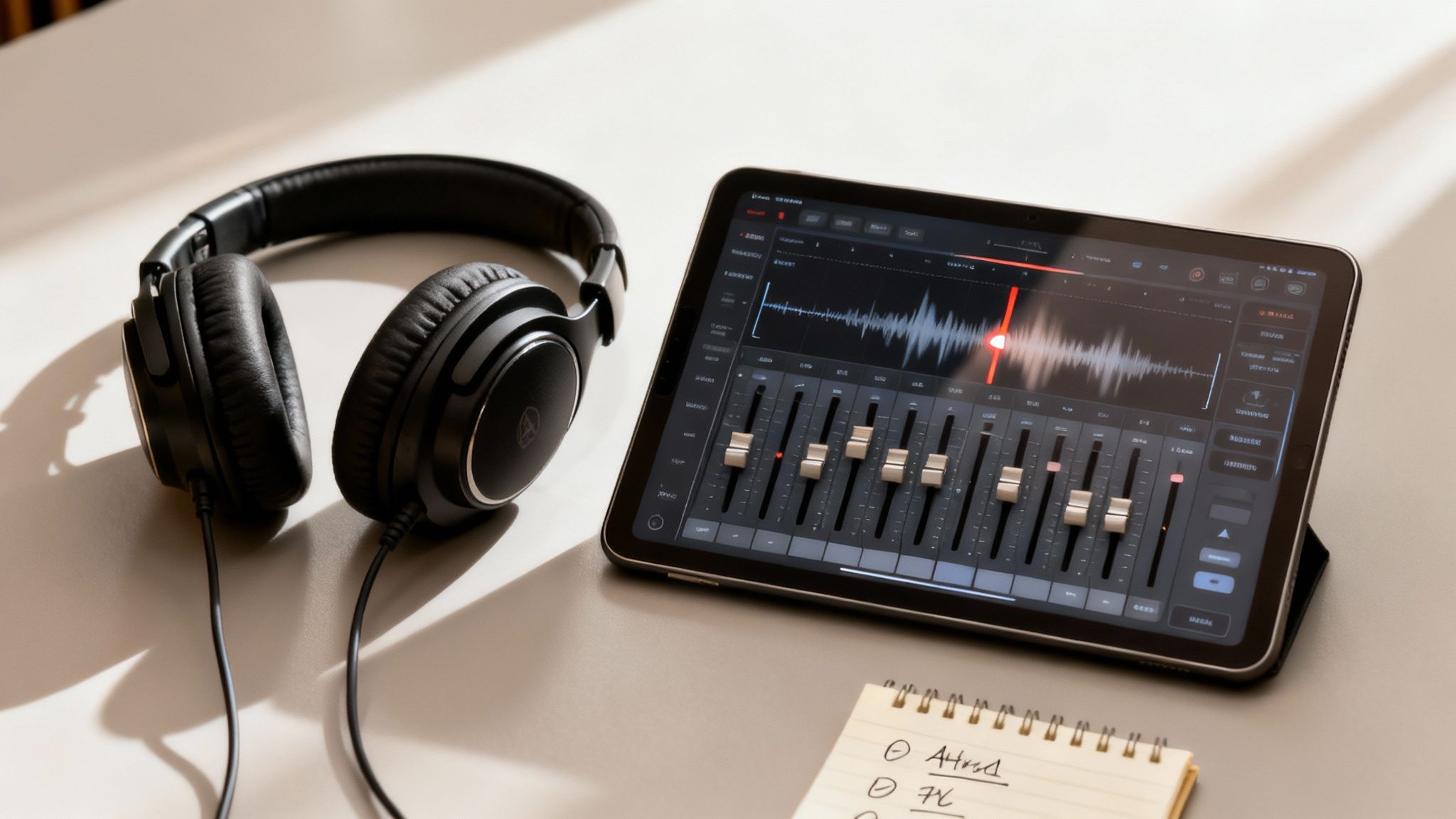
If your visuals are the body of a highlights video, then audio is its soul. It’s the unsung hero that’s responsible for over half of the viewing experience. Honestly, it’s often the secret ingredient that turns a decent clip into a viral sensation. The right soundtrack doesn't just fill dead air; it sets the entire mood, drives the pace, and can be the glue that holds your whole edit together.
Your first job is tracking down the perfect music. This is way more than just grabbing the latest trending song. The music has to feel right for your visuals—it needs a solid, driving beat that you can physically cut to. Finding a track with some natural builds and drops gives you a ready-made structure to play with, letting you create those high-tension moments that pay off in a big way.
Key Insight: Here’s a pro tip: Don't just slap a music track under your clips and call it a day. Let the music lead the edit. Build your visual story around the song's energy shifts, crescendos, and quiet moments. That's what gives a video a truly professional feel.
When you do this, your video stops feeling like a simple montage and becomes a genuine experience. You’re aiming for a seamless blend where the visuals and audio feel like they were created for each other from the start.
Crafting an Immersive Soundscape
Great sound design goes way beyond the background music. It’s about layering in those subtle audio details that make the whole thing pop. These small touches are often felt more than they’re heard, but they add a serious amount of polish and impact. Think of it as adding texture to your sound.
Here are a few of my go-to sound effects that always work:
- Whooshes: A quick "whoosh" on a fast transition or a whip pan makes the movement feel faster and more deliberate. It just makes your cuts feel so much smoother.
- Risers: You know that sound that builds in pitch and intensity? That’s a riser. Use one to build anticipation right before a big moment or the video's climax. It's an old trick that always works.
- Impacts: A subtle "thud" or "hit" sound timed perfectly with a hard cut or a moment of action can give it a real sense of physical weight.
- Ambient Sounds: Never underestimate the power of quiet background noise. The faint sound of a crowd in a sports clip or the rush of wind in a travel video adds a rich layer of authenticity that you just can't fake.
Achieving the Perfect Audio Mix
Okay, the final piece is mixing all your audio elements together. The number one rule here is clarity and balance. Your music needs to be present enough to drive the energy, but you can’t let it overpower your sound effects or any crucial dialogue. If you want to get into the weeds on platform-specific audio trends, check out these YouTube Shorts best practices↗.
A classic rookie mistake is making every single sound effect the same volume. This just creates a muddy, chaotic mess. You have to pick your moments. The most important impact or transition gets the loudest effect, while the others can sit back in the mix. Your goal is for the highlights video to sound every bit as clean and dynamic as it looks.
Adding Visual Polish That Stops the Scroll
You've got the core of your highlights video built. Now, it's time for the fun part—the polish that makes it look like a pro-level edit and actually stops people from scrolling past. On platforms like TikTok and Instagram, the little things aren't just details; they're everything.
Let's face it, most people watch videos with the sound off, at least at first. This means your on-screen text has to do all the work. The first three seconds are make-or-break, so you need a killer text hook that sparks immediate curiosity.
Forget generic titles. Try something that poses a question or promises a big payoff, like "The 3-Second Mistake That Cost Us Everything" or "How I Turned $10 into $1,000." This gives people a reason to care and keep watching. Then, carry that momentum with dynamic captions. Modern apps can transcribe your audio and let you animate the text, making keywords pop with different colors or fonts. It’s a simple trick that keeps eyes glued to the screen.
Mastering Transitions and Vertical Formatting
Transitions are what connect your clips, but they need to be handled with care. The goal is to choose transitions that enhance the story, not just show off your editing software. Honestly, a clean, well-timed cut is still the most powerful tool in your arsenal.
When you need a bit more energy, a quick zoom, whip pan, or a subtle glitch effect can match the beat of your music and keep the pace exciting.
Pro Tip: Steer clear of those cheesy, built-in transitions like star wipes or page peels. They instantly make your video feel dated and amateurish. Stick to a handful of clean, intentional transitions to keep it looking sharp and professional.
Just as critical is making sure your video is built for vertical viewing. We're talking about TikTok, Instagram Reels, and YouTube Shorts. This means more than just setting your project to a 9:16 aspect ratio. You have to be mindful of the 'safe zones'—the central part of the screen where nothing gets cut off by the app's interface (like usernames, captions, and the like button).
Make sure all your important text and visuals are placed right in the middle. Nothing worse than a perfect video where the key message is hidden behind a follow button. For a detailed breakdown, check out this guide on the TikTok aspect ratio↗ to nail it every time.
To help you get this right across the board, here’s a quick-reference guide.
Platform-Specific Video Formatting Guide
This table breaks down the optimal settings for major short-form platforms, ensuring your highlights video looks perfect no matter where you post it.
| Platform | Aspect Ratio | Resolution | Max Length |
|---|---|---|---|
| TikTok | 9:16 | 1080x1920 | 10 minutes |
| Instagram Reels | 9:16 | 1080x1920 | 90 seconds |
| YouTube Shorts | 9:16 | 1080x1920 | 60 seconds |
| Facebook Reels | 9:16 | 1080x1920 | 90 seconds |
Getting these specs right from the start saves a ton of headaches later and ensures your content is delivered with the highest possible quality.
The shift to video isn't slowing down. In fact, video already drives the highest engagement on social media, with 71% of marketers creating social videos back in 2022. That trend has only accelerated, with global video ad spending expected to reach a staggering $191.3 billion by 2025. You can dig into more of the numbers by exploring the latest video marketing statistics↗. Nailing these small visual details is how you claim your piece of that massive audience.
How to Use AI Video Tools to Work Smarter
Let's be honest: churning out high-quality highlights videos day after day is a grind. The planning, sifting through clips, editing, and sound design all pile up. But what if you could compress that entire workflow from hours of work into just a few minutes? This is where AI stops being a buzzword and becomes your most practical shortcut.
Modern tools like DailyShorts↗ are completely changing the game. Instead of manually scrubbing through hours of footage, you can now feed a single long video—or even just a core idea—into an AI engine. In return, you get a polished, ready-to-post reel. This isn't some far-off concept anymore; it’s a real, accessible way to scale up your content without needing a massive team or budget.
From Idea to Viral-Ready Video in Minutes
Picture this: you have a one-hour podcast you want to slice into ten engaging shorts. The old-school way meant manually hunting for soundbites, trimming each one, painstakingly adding captions, and maybe finding some B-roll. The new way is far more direct.
With an AI video generator, the entire process is automated. The AI can:
- Pinpoint Viral Moments: It scans the transcript and pulls out the most compelling, emotional, or informative segments—the kind of stuff that just works as a standalone clip.
- Draft a Punchy Script: Using that killer soundbite, the AI crafts a tight script built for the short-form format.
- Generate Visuals and Voiceover: It then creates engaging 4K visuals and a surprisingly lifelike AI voiceover to carry the story, making sure your video is captivating even if the source was audio-only.
- Handle the Final Polish: Finally, it adds dynamic captions, smooth transitions, and subtle animations, editing everything together into a slick, finished product.
The diagram below really breaks down how AI takes over the most tedious parts of the visual polish, from adding captions to getting the format just right.
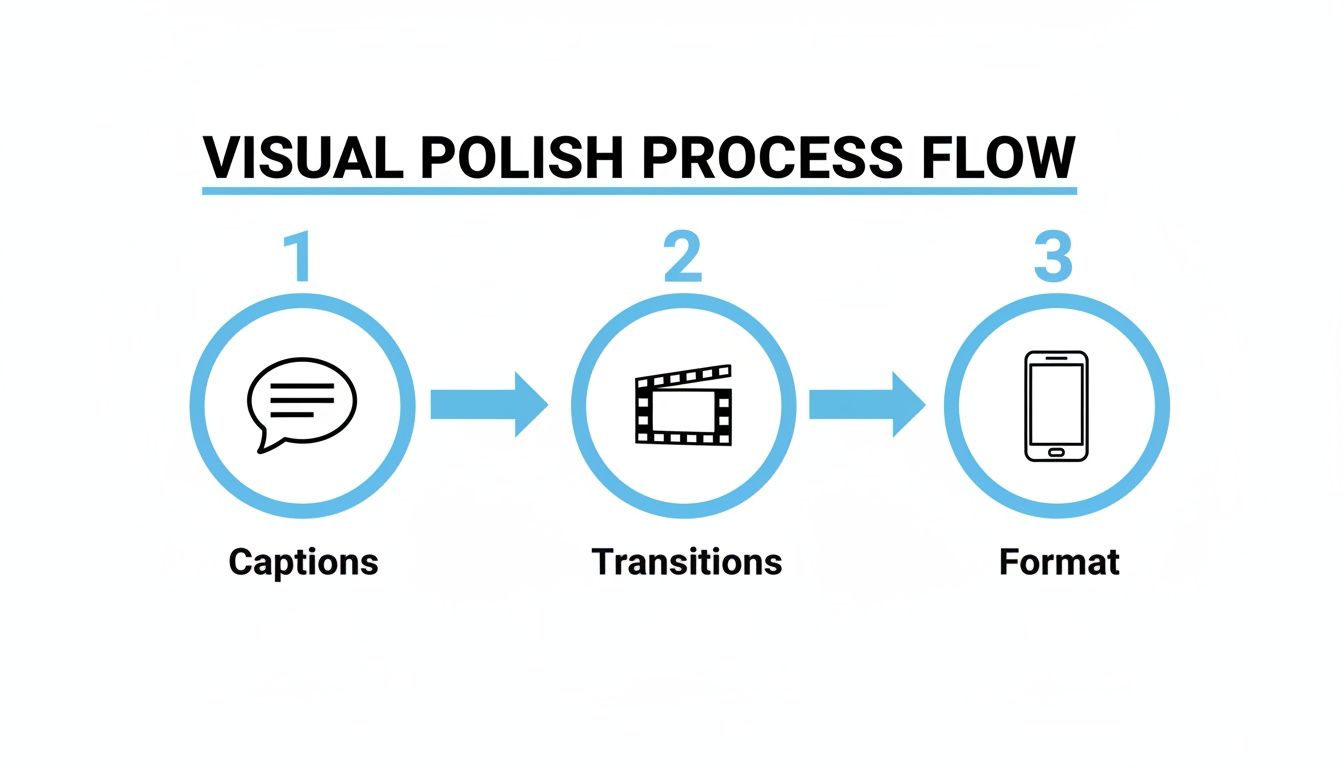
This kind of automation handles the heavy lifting, freeing you up to focus on the big-picture strategy and creative ideas.
The Power of Automation for Consistent Growth
This level of automation is no longer a luxury—it’s a necessity. Video now accounts for a staggering 82% of all internet traffic, and 91% of businesses are already using it in their marketing. For creators and brands without professional editing teams, tools like DailyShorts—already trusted by over 50,000 users—are the key to keeping up.
Key Takeaway: AI video tools are leveling the playing field. They give individual creators and small businesses the power to produce high-quality highlights at a scale that, until recently, was only possible for big media companies.
Some platforms, like DailyShorts, even have an Auto Pilot mode that schedules and posts your content 24/7, always aiming for maximum reach. That means your channels can keep growing even when you’re not in front of the screen. To see exactly how this works, you might want to check out our guide on how to create AI video↗ from scratch.
And it doesn't stop with just video. You can see the bigger picture by exploring how AI for social media marketing↗ can streamline your entire content strategy. When you start using these tools, you're not just making highlight videos faster—you’re building a smarter, more scalable content engine for whatever comes next.
Common Questions About Making Highlights Videos
Even with the best game plan, you're going to hit a few snags when you start pumping out highlights videos. Getting the right answers to these common questions can be the difference between a video that pops off and one that completely bombs. Let's dig into some of the most frequent hurdles I see creators face.
How Long Should My Highlights Video Be?
Ah, the million-dollar question. The honest answer? It all comes down to the platform. What crushes it on YouTube might be dead on arrival on TikTok. My golden rule is to keep it as short as you possibly can without sacrificing the story.
- TikTok & Instagram Reels: You’ve got a tiny window here. Aim for 15-30 seconds, max. Attention is the currency, and it's scarce. You need to get to the point, fast. The algorithms on these platforms tend to reward shorter videos that get rewatched over and over.
- YouTube Shorts: You get a bit more breathing room, up to 60 seconds. But let’s be real, the sweet spot for keeping people hooked is usually between 30-45 seconds. This gives you just enough time to build a little tension or tell a slightly more complex story.
- Presentations or Website Reels: For an audience that’s already invested, you can push it to 90 seconds or even two minutes. But you’d better make sure every single second is packed with value. If it drags for even a moment, you've lost them.
The bottom line is to always respect your viewer's time. A short, punchy video will almost always beat a longer one that meanders.
Where Can I Find Good Music That Won’t Get Flagged?
Music is everything, but copyright is a minefield. The absolute safest route is to use trending audio directly within the TikTok or Instagram app. The platforms handle the licensing, so you don't have to worry about it.
But what if you're editing your video in a separate program? You absolutely need royalty-free music. The last thing you want is for all your hard work to get muted or slapped with a takedown notice.
Here are my go-to sources for music that won't get you in trouble:
- YouTube Audio Library: This is a goldmine. It's a completely free library packed with music and sound effects that you can filter by mood, genre, or vibe. Seriously, don't sleep on this.
- Epidemic Sound: If you're ready to invest a little, this subscription service is a favorite among top creators for a reason. The quality is top-notch, and the library is massive.
- Artlist: Another fantastic subscription option. Artlist has a beautifully curated library and a super simple license that covers pretty much anything you'd want to do.
Always give the licensing terms a quick once-over, but these platforms are built specifically to keep creators like us safe from copyright headaches.
What Are the Best Free Editing Tools for Beginners?
You don't need a Hollywood budget to create killer highlights. Some of the best editing tools out there won't cost you a penny and are more than powerful enough for creating slick social media content.
If you're just figuring out how to make a highlights video, these are the tools I recommend to get started without getting overwhelmed.
- CapCut: Honestly, this is the king for most TikTok and Reels creators. It’s built for mobile, loaded with features people actually use (like auto-captions and viral effects), and plays nice with all the social platforms.
- DaVinci Resolve: Ready to step up your game? The free version of Resolve is a full-blown professional editing suite used in actual films. Its color grading and audio tools are unmatched, but be prepared for a bit of a learning curve.
- Clipchamp: This is Microsoft’s web-based editor, and it's perfect if you find traditional software intimidating. It’s incredibly user-friendly and great for knocking out quick, clean edits right in your browser.
Pick one and dive in. You'll have all the firepower you need to trim clips, mix audio, and export a polished video without opening your wallet.
Ready to skip the manual editing and create stunning highlights videos in minutes? DailyShorts uses AI to turn your ideas into viral-ready content, complete with scripts, 4K visuals, and voiceovers. Start creating for free today at DailyShorts↗.
Ready to create viral videos?
Start creating viral TikTok and YouTube Shorts with DailyShorts AI today.